

Description
Download Steam Achievement Manager – Game Achievement Customization, Steam Tool, Productivity Utility
Overview
Steam Achievement Manager is a productivity-focused utility designed for PC gamers who seek greater control over their Steam library's achievement system. The application enables users to manually add or remove achievements from games they own, offering a customizable gaming experience that extends beyond standard Steam functionality. This tool is particularly beneficial for players who enjoy replaying games for completion, experimenting with different playstyles, or creating custom challenges without the constraints of earned achievements.
The app serves as a supplementary tool for Steam, allowing users to manipulate achievement states directly through a straightforward interface. It is especially useful for offline games where achievement integrity is not tied to online leaderboards or progression systems. While the developer did not provide additional technical details about the app’s architecture or development background, its purpose is clear: to empower users with granular control over their achievement history.
Real-world use cases include resetting achievements to restart a game’s completionist run, unlocking hidden content for personal enjoyment, or simulating a "fresh" experience on a game already completed. In the broader app ecosystem, Steam Achievement Manager fills a niche for power users and modders who value customization and flexibility. Its minimal file size and free pricing model make it accessible to a wide audience seeking efficient, no-frills tools.
Key Features & Functionality
- Manual Achievement Manipulation: Users can add or remove achievements from any game in their Steam library, providing full control over their progress.
- User-Friendly Interface: The app features a clean, intuitive layout that allows quick navigation through the game library and achievement list.
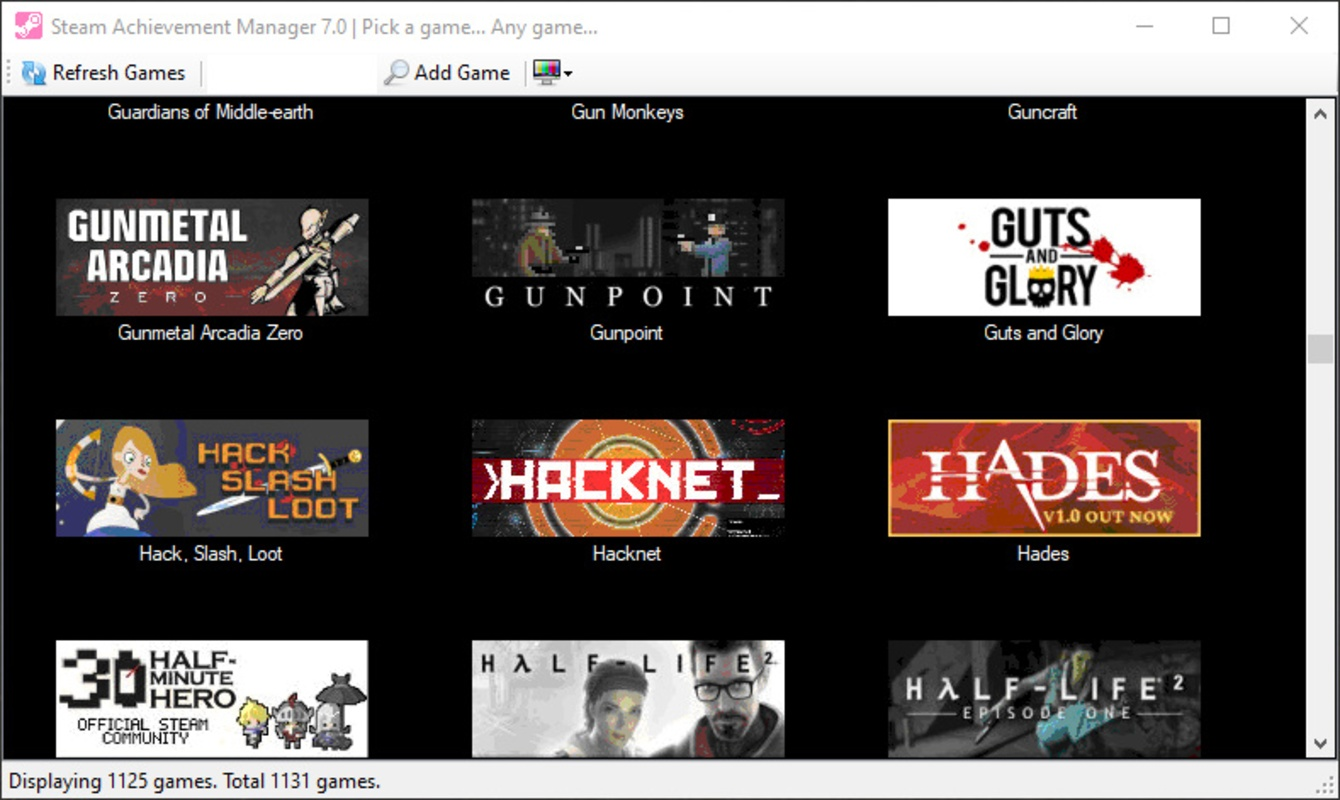
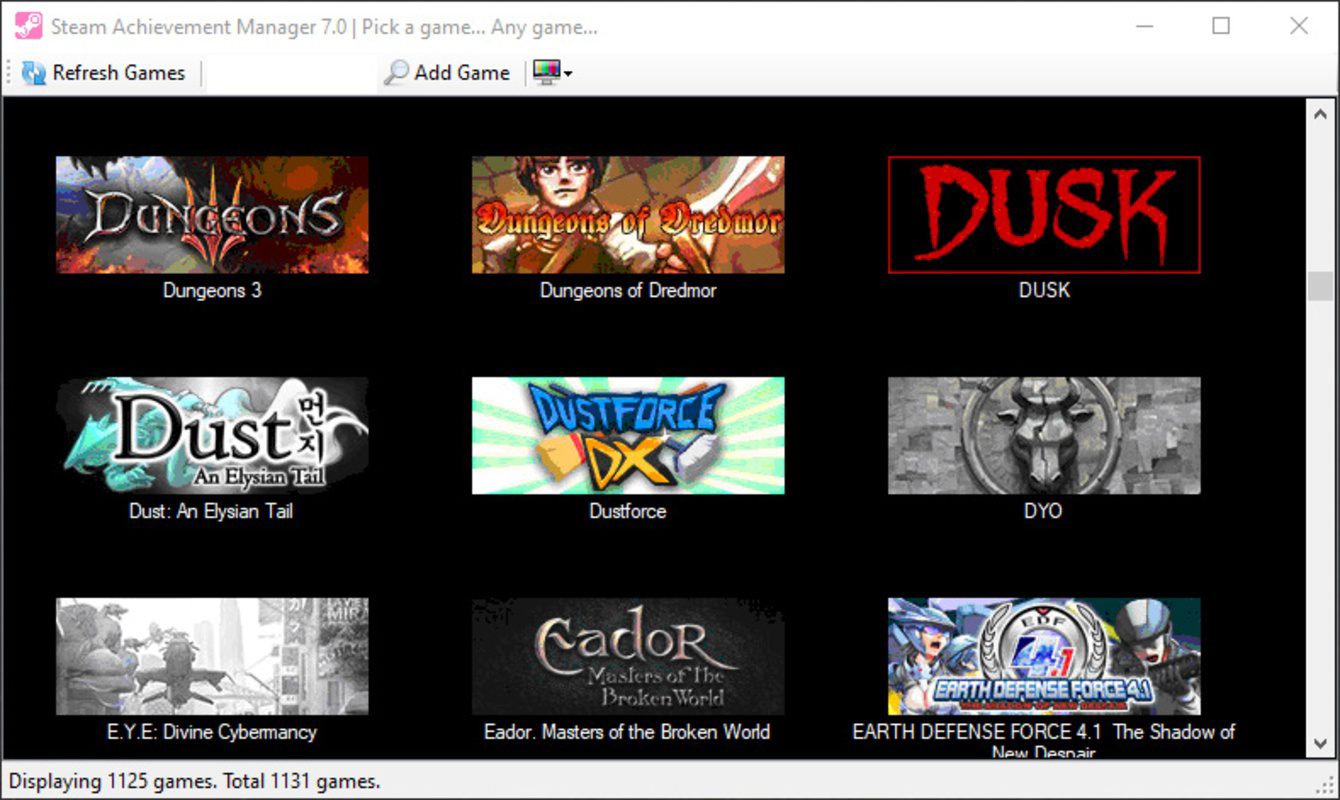
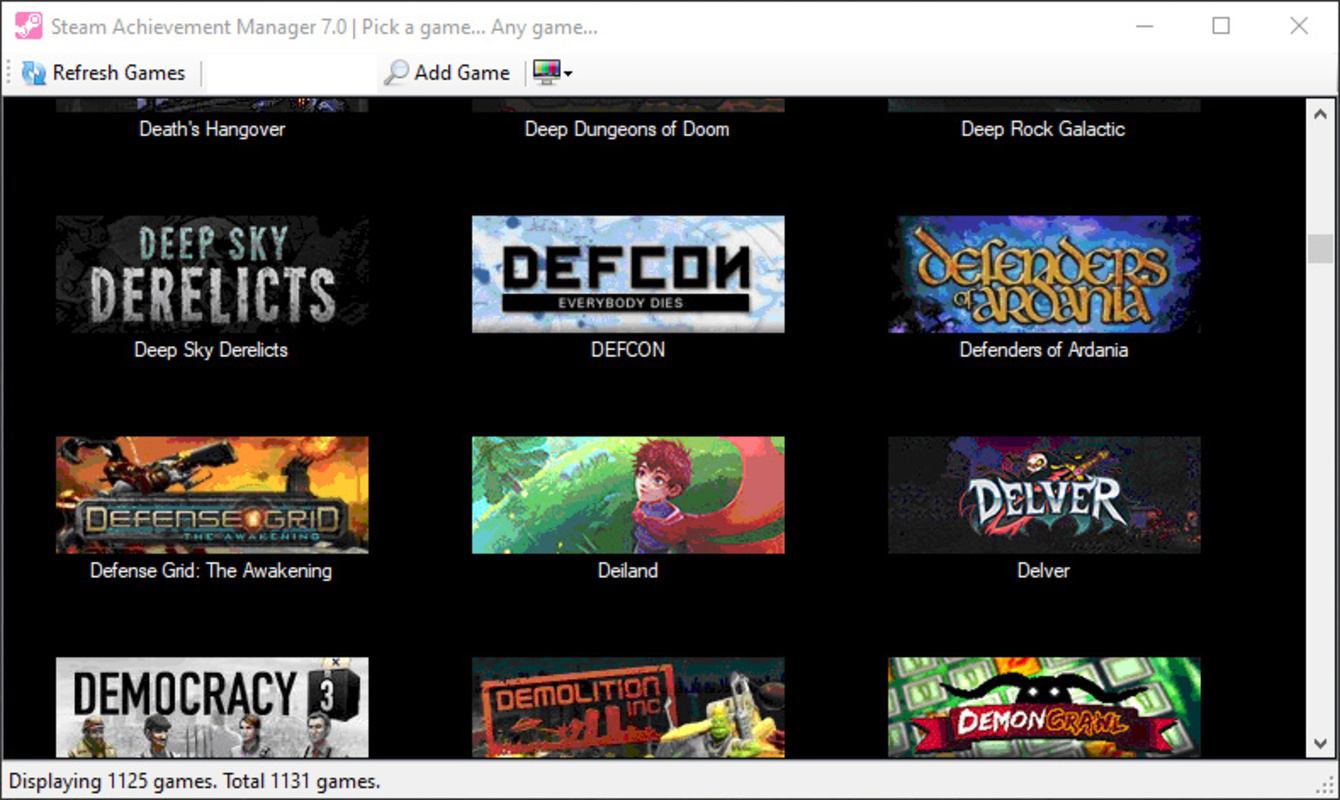
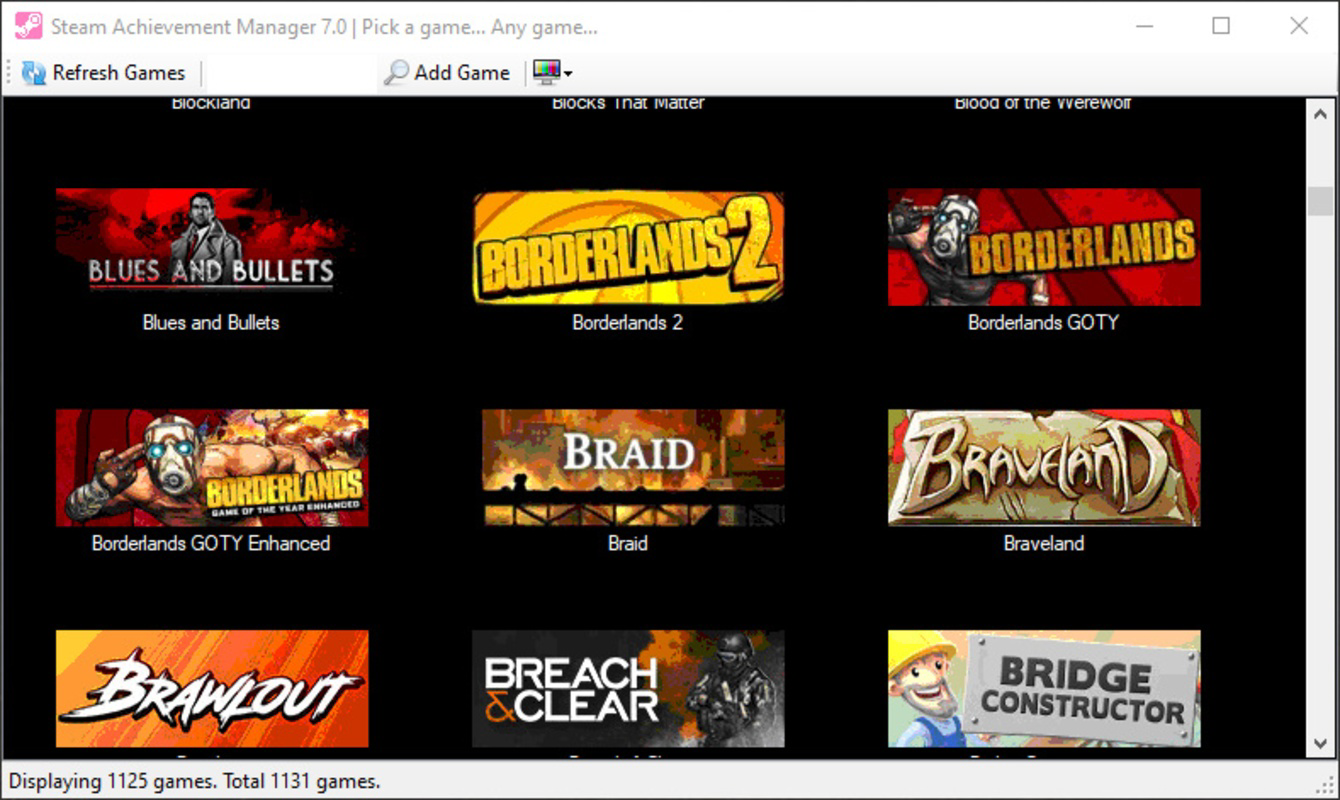
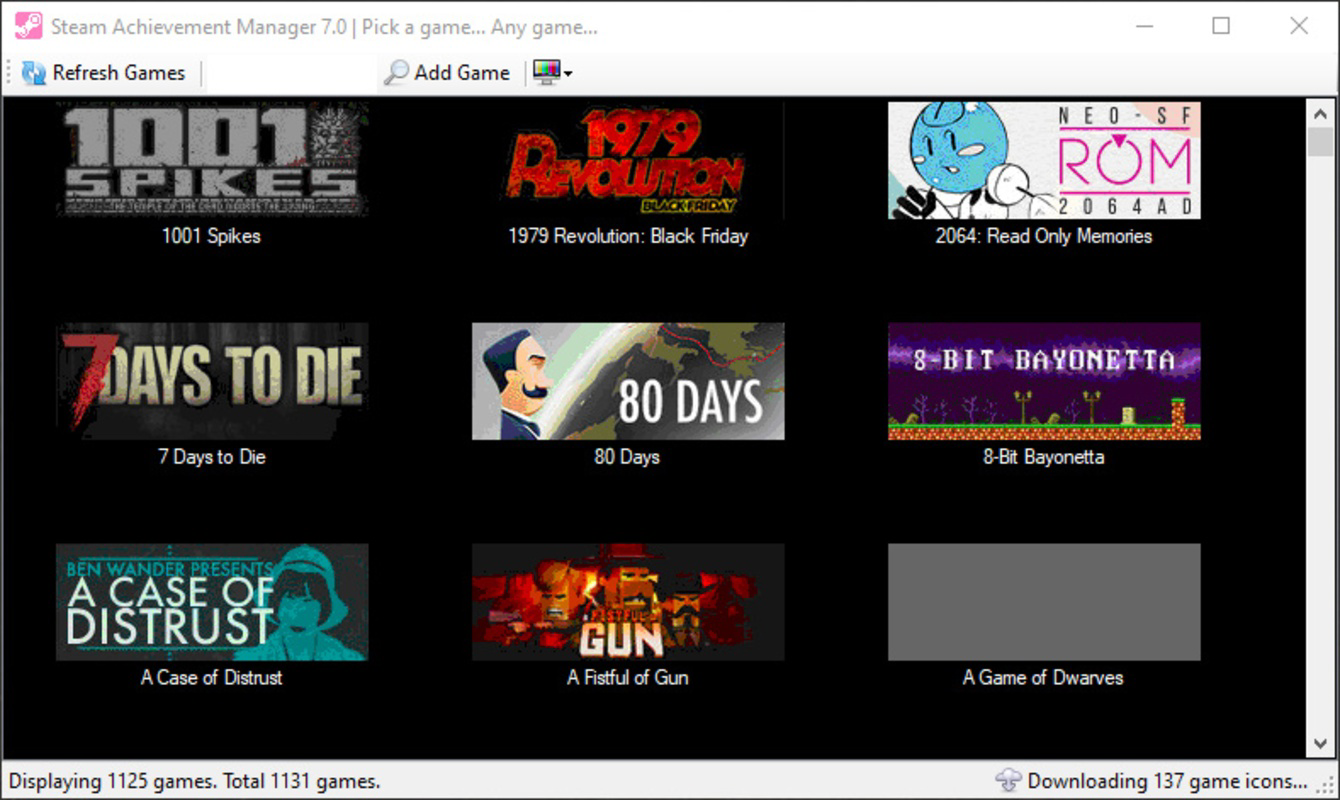
- Real-Time Game Loading: Upon launch, the application automatically detects and loads all games from the user’s Steam library, requiring only a few seconds to sync.
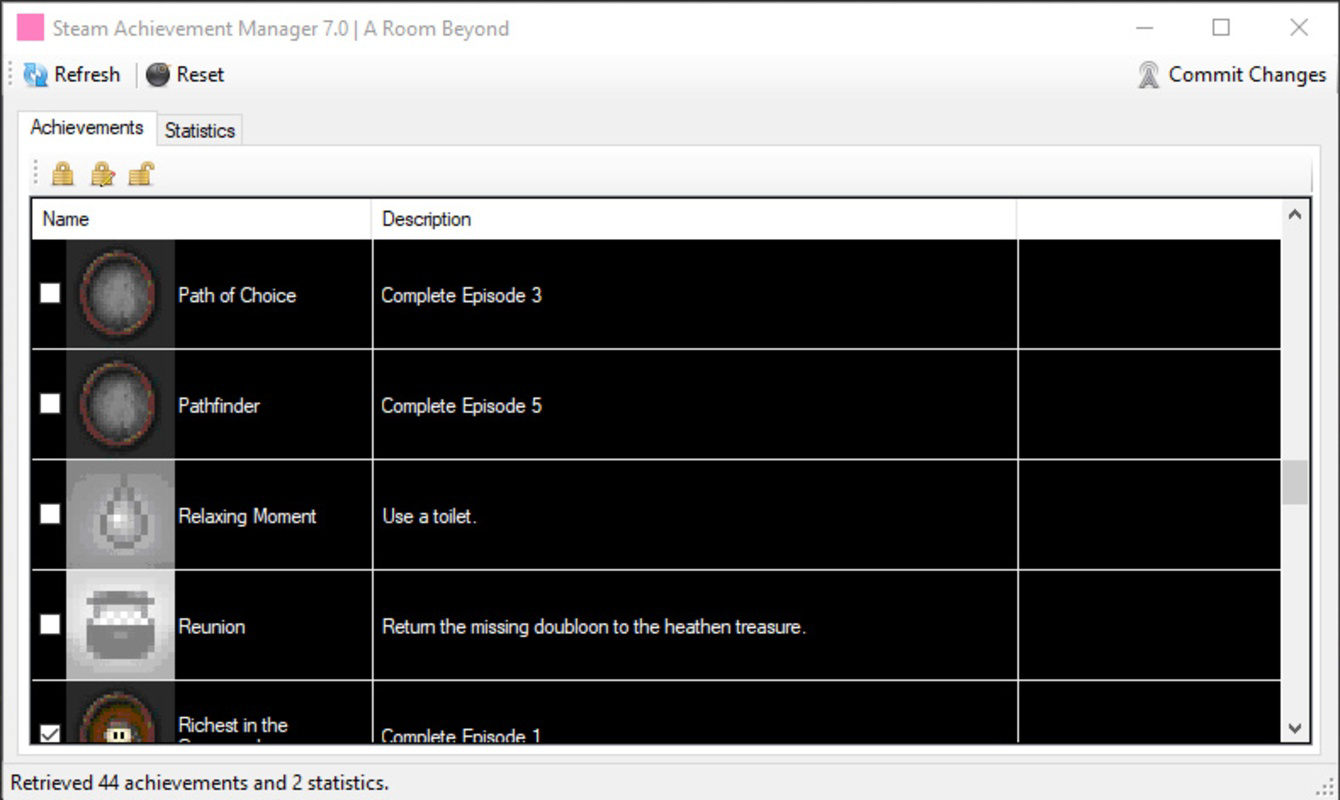
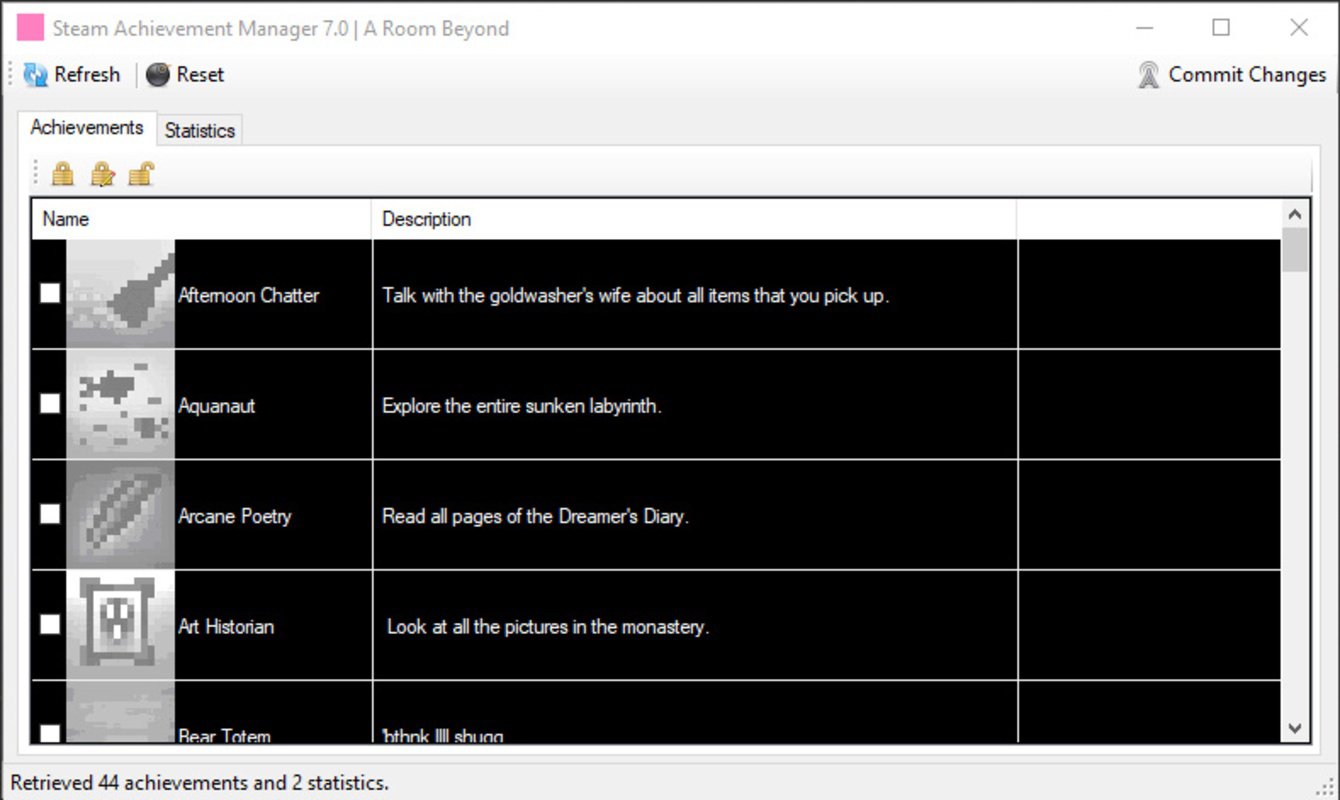
- Visual Achievement Status Indicators: Earned achievements are marked with a checkmark, while unearned ones remain empty, enabling quick visual identification.
- Commit Changes Function: After selecting desired achievements, users can validate and apply changes with a single click, ensuring immediate updates to their Steam profile.
- Safe Operation Mode: The application operates without modifying core Steam files, reducing the risk of conflicts or data corruption.
For example, a player who has completed a game with all achievements can use the tool to remove them and restart the journey with a clean slate. Another use case involves testing game mechanics or unlocking exclusive content that requires specific achievement sequences. The app’s ability to function while Steam is running in the background makes it seamless to integrate into existing workflows. Although the developer did not specify advanced features like batch editing or export/import of achievement states, the current functionality remains highly effective for core use cases.
Interface, UX & Performance
Steam Achievement Manager presents a minimalist, functional interface that prioritizes usability over visual flair. The layout is structured around a central list of games, with achievement details displayed in a compact, scrollable format. Navigation is straightforward: users can either browse through their Steam library or search for a specific title by name, streamlining access to desired games.
The app’s responsiveness is consistent with its lightweight design. Although the developer did not list formal performance metrics, the application loads quickly and maintains stable operation during achievement modifications. Users report smooth interactions with no noticeable lag when selecting or committing changes. The interface remains accessible across different screen resolutions and device categories, though specific compatibility details were not disclosed.
Stability appears to be a strength, as the app operates without crashing during typical use. However, the developer did not provide information on error handling, crash recovery, or logging features. The lack of advanced customization options, such as themes or keyboard shortcuts, may limit appeal for power users seeking deeper personalization. Overall, the UX is designed for efficiency, minimizing the learning curve and enabling users to achieve their goals with minimal effort.
Platform Compatibility & Technical Requirements
Steam Achievement Manager is designed for the Windows platform and requires a compatible Windows operating system. The application is available in a 3.1 MB file size, indicating a lightweight footprint that does not strain system resources. The current version is 2.0.1.0, released on March 12, 2024.
Specific OS requirements were not listed by the developer. Compatibility information was not fully disclosed, so users should ensure their system meets general Windows requirements for running Steam applications. The app does not appear to require administrative privileges or additional runtime dependencies, which contributes to its ease of installation and use.
Although the developer did not specify whether the tool supports Windows 10, Windows 11, or older versions, its small size and straightforward design suggest broad compatibility. Users should verify that Steam is installed and running in the background for full functionality, as the app relies on Steam’s local data for achievement access.
Pros and Cons
Pros
- Free to download and use with no hidden costs
- Lightweight at only 3.1 MB, ideal for low-resource systems
- Simple, intuitive interface suitable for beginners and advanced users
- Safe operation without altering core Steam files
- Allows full manual control over achievement states
- Quick loading and responsive performance
Cons
- Developer did not specify minimum OS requirements
- Limited to Windows platform; no support for macOS or Linux
- No advanced features like batch editing or achievement export
- Compatibility with newer Windows versions not confirmed
- Not recommended for online multiplayer games with achievement-based progression
FAQ
Is Steam Achievement Manager safe to use?
Yes, the application is designed to operate safely without modifying Steam’s core files. It works by interacting with Steam’s local achievement database, which reduces the risk of account bans or system instability.
Can I use this tool on online multiplayer games?
While the tool can technically be used on online games, it is not recommended. Some games use achievements as part of their progression or anti-cheat systems, and modifying them may lead to unintended consequences.
Do I need to install Steam to use this app?
Yes, Steam Achievement Manager requires Steam to be installed and running in the background to access the user’s game library and achievement data.
Is the app available for macOS or Linux?
Currently, the app is only available for Windows. No official versions for macOS or Linux have been released.
How often should I update Steam Achievement Manager?
Updates are recommended when new versions are released to ensure compatibility with the latest Steam client and to receive bug fixes or security improvements.
Final Thoughts
Steam Achievement Manager delivers a focused, reliable solution for gamers who want to personalize their Steam experience beyond default achievement systems. Its lightweight design, free access, and straightforward functionality make it a valuable tool for completionists, modders, and casual players alike. While it lacks advanced features and platform diversity, its core purpose is executed with precision.
For users seeking to experiment with game progressions, reset achievements, or enhance replayability, this app provides a secure and efficient way to do so. The lack of complex setup and minimal system requirements further enhance its appeal. Whether you're a fan of retro games, indie titles, or long-form RPGs, Steam Achievement Manager adds a layer of control that enriches the gaming journey.
Download Steam Achievement Manager now
Guides & Tutorials for Steam Achievement Manager
How to install Steam Achievement Manager
- Click the Preview / Download button above.
- Once redirected, accept the terms and click Install.
- Wait for the Steam Achievement Manager download to finish on your device.
How to use Steam Achievement Manager
This software is primarily used for its core features described above. Open the app after installation to explore its capabilities.
User Reviews for Steam Achievement Manager 0
No reviews found


